


 About Us
 Conditions générale de vente
 Confidentialité
 Community Guidelines
Best EML to PST Converter Software: Features Compared
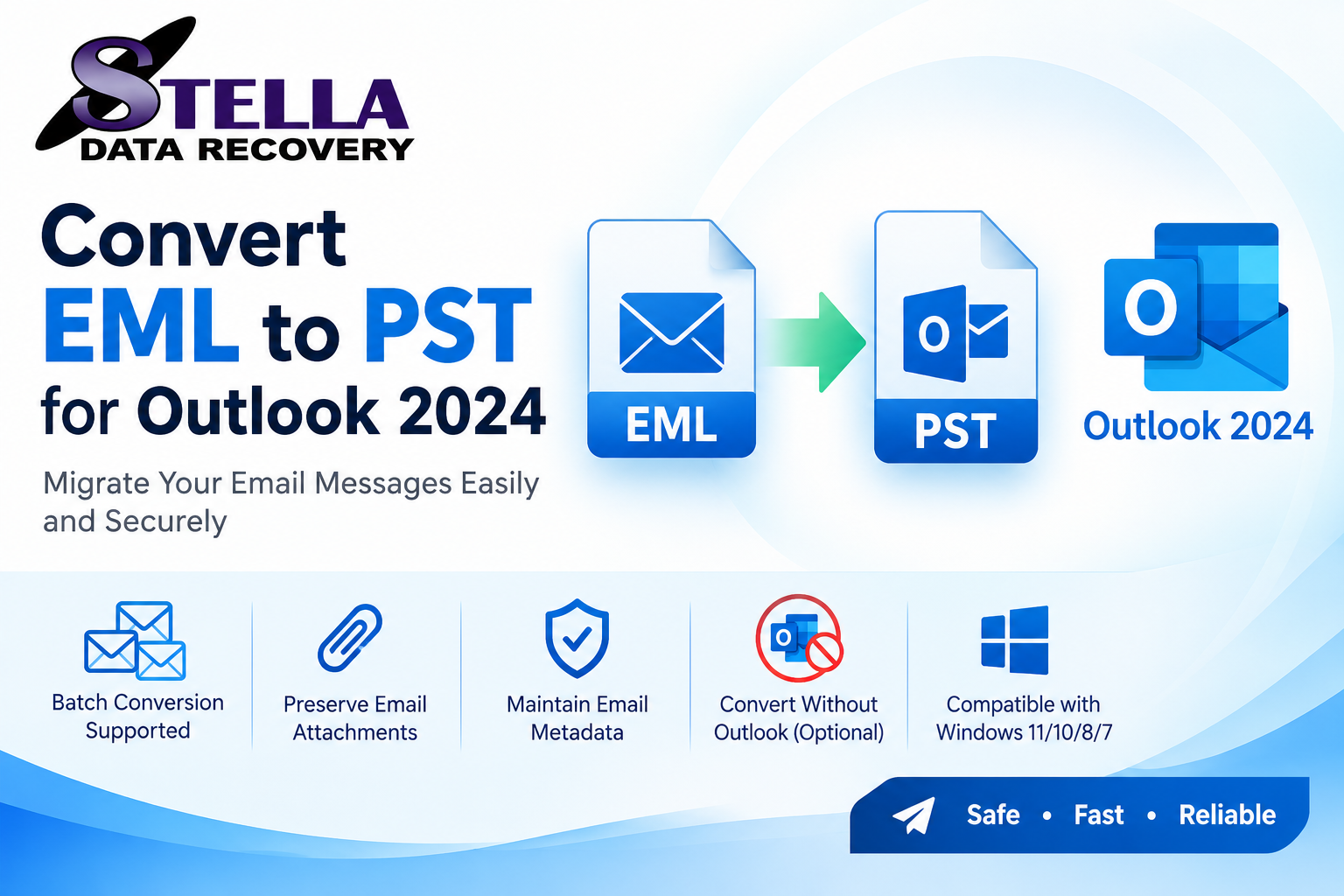
Are you looking for the best EML to PST converter software to migrate archived emails into Microsoft Outlook? Choosing the right solution can make email migration easier, especially when you need to transfer hundreds or thousands of messages while maintaining their content, attachments, and folder organization.
EML files store individual email messages and are supported by several email applications. PST files, on the other hand, are Outlook data files that can contain email messages and other Outlook items. Converting EML files to PST can help users consolidate email archives and prepare them for compatible Outlook workflows.
However, not every conversion tool offers the same features. Some focus on simple file conversion, while others provide batch processing, message previews, folder preservation, and selective export. This guide compares the main conversion approaches and explains how to evaluate professional EML to PST converter software for personal or business use.
What Is EML to PST Converter Software?
EML to PST converter software is designed to transfer email messages saved in EML format into a PST file compatible with Microsoft Outlook.
A typical converter allows users to select EML files, choose an output location, and create a PST file. Depending on the product, it may also support folder selection, batch conversion, attachment handling, email filtering, and preview options.
The goal is to simplify email migration without requiring users to recreate each message manually. Before selecting a product, verify that it supports your source files, operating system, and intended Outlook version.
Best EML to PST Converter Software: What Should You Compare?
Instead of choosing a tool based only on promotional claims, evaluate the following criteria.
1. Batch Conversion Capability
Batch conversion is particularly useful for users with large email archives. It allows multiple EML files or folders to be processed in one workflow rather than converting every message individually.
Check whether the software supports nested folders, whether it imposes file-count limits, and whether batch conversion is included in the trial or requires a paid license.
2. Email Content and Attachment Handling
Email messages may contain sender and recipient details, timestamps, HTML formatting, inline images, and file attachments. A suitable converter should explain which message properties it preserves.
Do not assume that every product handles every email format identically. Test messages containing attachments, special characters, and complex formatting before converting your complete archive.
3. Folder Structure Preservation
Folder organization matters when migrating business communications or project-based email archives. Look for tools that preserve the source directory structure or allow you to map messages into destination folders.
4. Preview and Selective Export
A preview feature lets users inspect messages before conversion. Selective export can help you migrate only the emails you need by choosing individual files, folders, or supported filters such as date and sender.
5. Compatibility and Output Options
Check support for your Windows version, the EML files generated by your original email application, and the Outlook version you plan to use. If you need additional formats such as MBOX, MSG, PDF, or HTML, confirm that the product explicitly supports those outputs.
6. Pricing and Technical Support
Compare trial restrictions, licensing terms, upgrade policies, refund conditions, and support availability. The lowest-priced option may not be the most suitable for a large business migration, while an expensive product may offer features you do not need.
Comparing Popular EML Conversion Options
The following comparison presents representative products and approaches to investigate. It is a feature-oriented shortlist, not a definitive ranking based on independent hands-on testing.
| Software or method | Best suited for | Points to evaluate |
|---|---|---|
| SysTools EML Converter | Users needing multiple output formats | Selective export, attachments, platform compatibility |
| Shoviv EML Converter | Bulk conversion and migration workflows | Folder hierarchy, output formats, trial limits |
| AssistMyTeam EML to PST Converter | Users focusing on EML-to-PST export | Folder preservation, deployment options, trial restrictions |
| Corbett Software EML to PST Converter | Users seeking conversion and filtering features | Outlook compatibility, batch options, supported formats |
| Microsoft Outlook's built-in EML import | Users who want to avoid third-party conversion software | Outlook edition, message size limits, folder handling |
Product capabilities and licensing can change, so verify current details with the relevant vendor before purchasing.
Option 1: SysTools EML Converter
SysTools offers an EML conversion utility with several output-format options, including PST. Its product information describes features such as selective conversion, email preview, and attachment support.
This option may be worth evaluating if you need more than a basic EML-to-PST workflow. Confirm the supported operating systems and test the specific email properties that matter to your migration.
Option 2: Shoviv EML Converter
Shoviv offers EML conversion and migration options, including PST output. Its product information describes support for multiple EML folders, folder hierarchy, and additional export destinations.
It may suit users who need to handle larger archives. Review the current trial restrictions, license price, and compatibility requirements before committing to a purchase.
Option 3: AssistMyTeam EML to PST Converter
AssistMyTeam provides a dedicated EML-to-PST application. Its documentation describes converting individual messages or folders and retaining folder hierarchy and supported email properties.
Consider this option if your primary requirement is creating Outlook data files from organized EML archives. Check the trial's current file-count limits and whether the available license suits your deployment.
Option 4: Corbett Software EML to PST Converter
Corbett Software offers an EML-to-PST converter with advertised batch conversion, preview, and filtering capabilities. These features may be useful when selecting specific messages from a large archive.
Before purchasing, verify the supported source formats, current product terms, and compatibility with your Outlook environment.
Option 5: Microsoft Outlook's Built-In Import
Third-party software is not always necessary. Microsoft documents a bulk EML import feature in new Outlook for Windows under Settings > Files > Import.
Microsoft's documented workflow requires an internet connection and currently specifies that only top-level EML files in the selected folder are imported; files in subfolders are ignored, and each EML file must be no larger than 14 MB. Check the latest documentation for your Outlook version before proceeding.
This can be a practical starting point if you simply need to import EML messages into an Outlook mailbox rather than create a separate PST file.
Manual Import vs. Professional Conversion Software
The best method depends on the size and complexity of your archive.
Manual or built-in import may be adequate when you have a small number of messages, supported EML files, and no need for advanced filtering.
Professional conversion software may be more convenient when you need batch processing, folder mapping, selective export, detailed logs, or a standalone PST file. The available functions differ between products, so confirm them before choosing.
For PST files that have already been created, Microsoft provides separate instructions for opening or importing PST data in supported Outlook versions. You can consult Microsoft's official PST import guide.
How to Choose the Best EML to PST Converter
Follow this checklist before making a decision:
-
Identify your requirements: Determine the number of EML files, their source application, and whether you need to retain folder organization.
-
Check compatibility: Confirm support for your operating system and Outlook edition.
-
Evaluate a trial: Convert a representative sample rather than relying on screenshots or marketing statements.
-
Inspect the results: Verify message bodies, sender details, timestamps, attachments, and special characters.
-
Review the license: Check conversion limits, commercial-use rights, and technical support.
-
Protect your data: Back up your original EML files and keep them until the migration is verified.
A reliable selection process is more valuable than choosing a product based solely on a “best” label.
Common EML to PST Conversion Problems
Missing attachments: Confirm attachment support and test messages containing different file types.
Incorrect folder structure: Check whether the selected software supports nested folders or folder mapping.
Unsupported EML files: Test messages from the original email client and review error logs for files that cannot be processed.
PST import errors: Verify that the PST was created successfully and that your Outlook edition supports the intended workflow.
Slow conversion: Consider processing large archives in smaller batches and ensure that sufficient disk space is available.
Frequently Asked Questions
What is the best EML to PST converter software?
The best choice depends on your archive size, required features, operating system, budget, and Outlook version. Compare current vendor documentation and test a sample before purchasing.
Can I convert EML files to PST for free?
Potentially. Outlook offers a built-in EML import workflow in supported versions, although its limitations may not suit every migration. Some third-party converters also offer trials with restrictions.
Can I convert multiple EML files at once?
Yes, where the selected built-in workflow or converter supports batch processing. Check file-count, size, and subfolder limitations.
Will EML-to-PST conversion preserve attachments?
Many converters advertise attachment handling, but results depend on the software and source messages. Verify attachments in the output before relying on the archive.
Is a PST file compatible with every Outlook version?
PST support varies by Outlook edition and platform. Check Microsoft's documentation for the exact version you intend to use.
Conclusion
The best EML to PST converter software is the one that meets your migration requirements, supports your Outlook environment, and produces verifiable results. SysTools, Shoviv, AssistMyTeam, and Corbett Software are options worth comparing, while Outlook's built-in EML import may be sufficient for simpler needs.
Prioritize batch processing, attachment handling, folder preservation, compatibility, transparent pricing, and trial availability. Most importantly, back up your source files and test the converted messages before migrating a complete archive.
Ready to simplify your email migration? Compare the available tools, test a representative group of EML files, and choose the solution that best fits your email archive and budget.

 English
 Arabic
